HubSpot’s Content Hub
Nexavia plans, designs and builds HubSpot sites a team can keep: themes, pages, hosting and the CRM that sees the same visitor.
Talk with us about a rebuild, a set of templates, or the editors who are stuck.
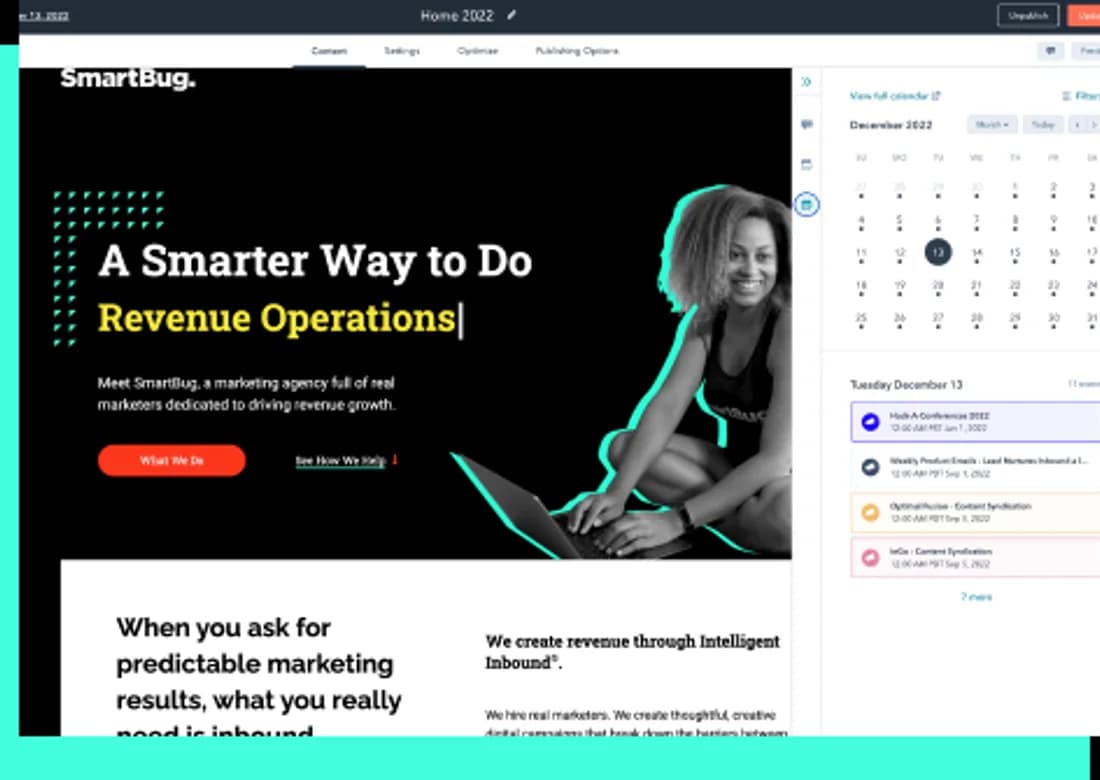
Build a beautifully branded website to attract quality leads with HubSpot’s simple, scalable content management system.
Content Hub is the CMS beside the CRM: a branded site that can attract, convert and stay editable after launch.
Themes, smart content, hosting and the languages you actually publish in. Editors should be able to change a page without a ticket.
See what's possible when transformation is the expectation.
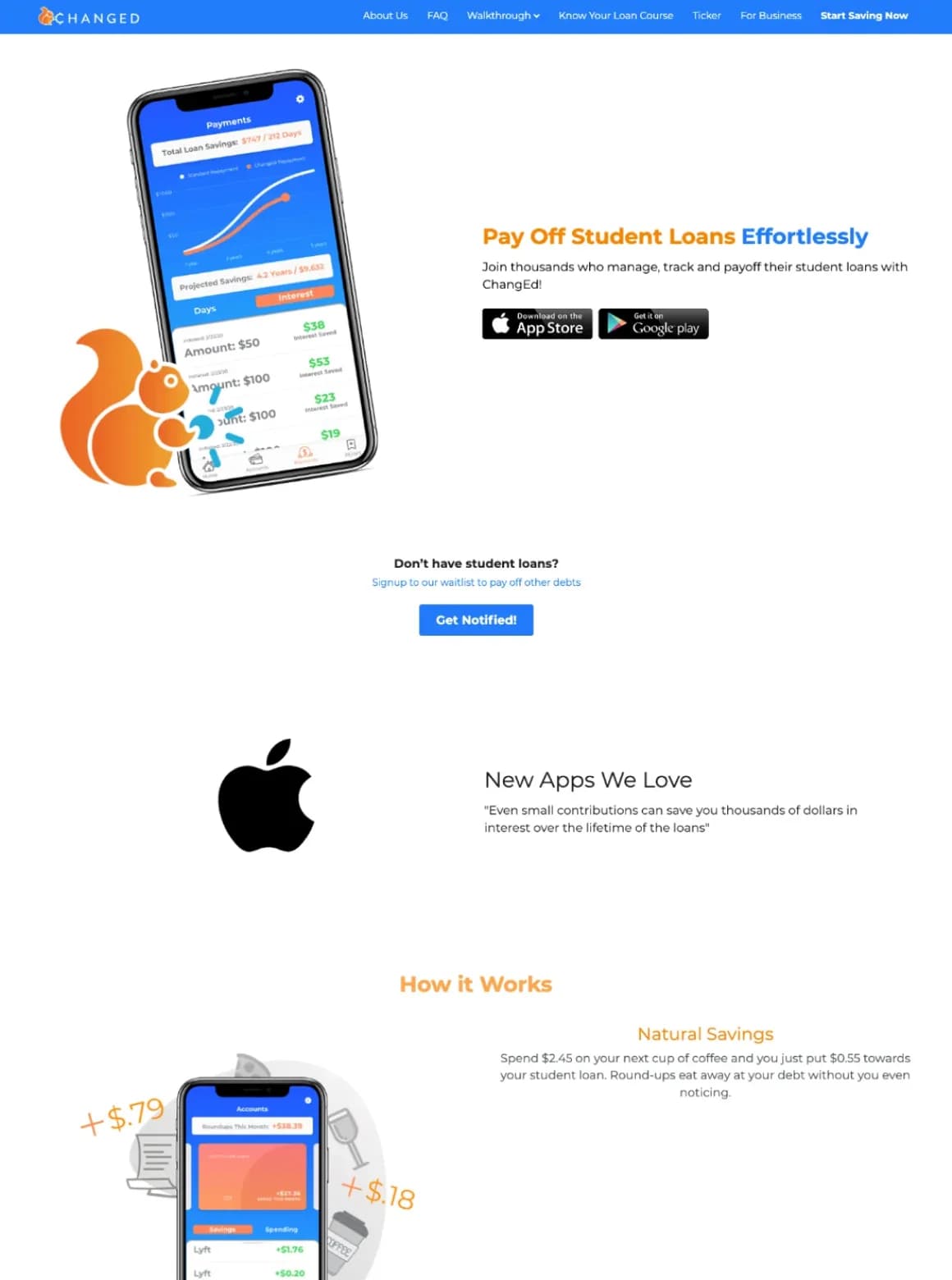
A product team came to us needing a site that could speak to two audiences, work on a phone, and still look like one brand.
After launch, visitors met a structure that matched how they already shop and enquire: a calculator, two navigations, a clear product display and stories the team could update.
Credentials




Create content.
Your site is the shop window that never closes. We build it, overhaul it, or change pages as goals change, inside Content Hub rather than a side CMS.
Flexible themes, custom objects, smart content and multilingual publishing, with hosting you do not have to babysit. AI is used to update copy and images when that saves the editors time.
Edit on the fly.
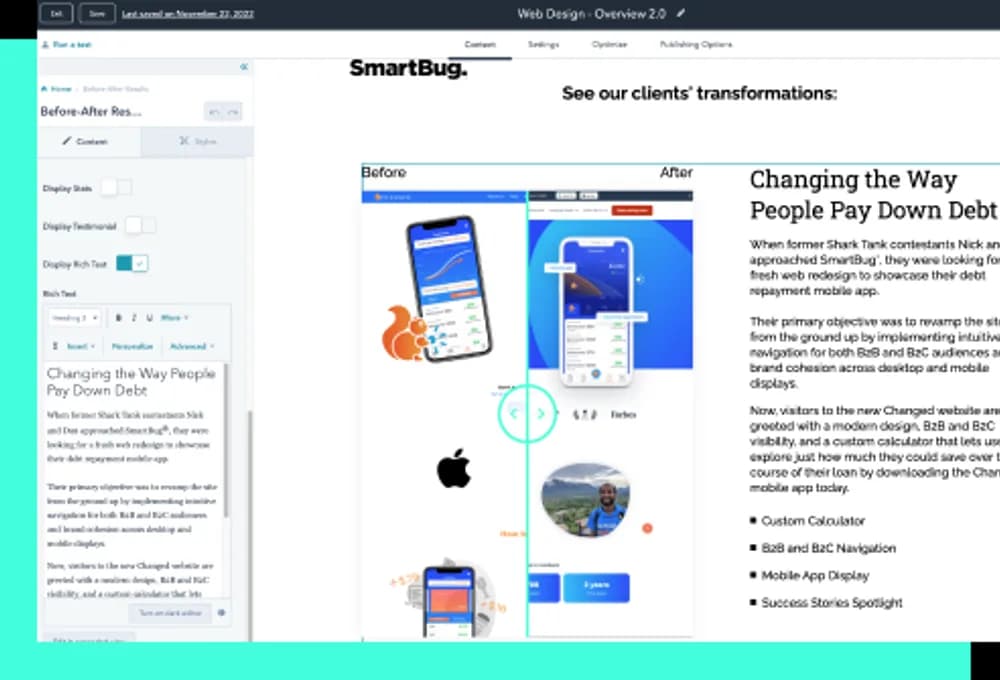
Need a page for a new segment, a resource, or a product? Editors drag modules, clone pages and keep SEO in the same toolkit.
We build to HubSpot's own documentation so your team can look a change up later, not only call us.
Measure results.
After launch we watch journeys: which pages people hit, where they leave, and which calls to action they take.
The CRM and the site share the visitor, so the next campaign is not a guess.
Get technical support.
A site is never finished. When new content or a performance issue shows up, the same people who built it can sit with your editors.
That is the support: not a new vendor every time a module needs a tweak.
Discover Content Hub's Standout Features

Flexible Themes
Preset HubSpot themes, or a custom look from a library we already know how to maintain.

Fully Integrated CRM
The site and the CRM share the visitor, so journeys and follow-up are one picture.

Adaptive Testing
Several page variants at once, so copy and design are tested on real traffic rather than opinion.

Simple Hosting
Hosting managed with the CMS, including the basics of keeping data in a place you can explain.

Drag-and-Drop Editing
Pages, modules and new blocks without waiting on a developer for every comma.

Smart Content
Pricing, resources and calendars that change with the record, planned with search in mind.

Multilingual Content
More than one language, with domains and search treated as part of the same site.

User Permissions
Who can edit, publish or change settings, named in one place.
The Impact of Nexavia + HubSpot's Content Hub
A New Website Using the HubSpot Content Hub
A HubSpot site the editors can keep, joined to the CRM so enquiries are not lost in a form tool.
What Our Clients Say:
“They sat in the portal with us. The notes we have now are enough to change things without a ticket every time.”

Pete AnandHubSpot admin, in-house
“Onboarding was a working system, not a pile of unused features. Admin and training stayed with the same people.”

Claire FontaineRevOps, growing company
Frequently Asked Questions
Do we need a developer to use Content Hub?
Editors can change copy, modules and basic pages themselves. Custom builds, calculators and unusual templates are the work we take so your people can stay on the message.
How does Content Hub help us scale?
Clone pages, add modules, grow the resource library and keep hosting in HubSpot. The storefront stays open while you change it.
How does Content Hub connect to the other hubs?
The visitor on a page is the contact in the CRM. Campaigns, deals and tickets should describe the same person.
What integrations can we use, and will you set them up?
Marketplace joins for the tools you already run, and custom work when the object is not there. That is a scoped integrations engagement.