HubSpot’s Data Hub
Nexavia sets Data Hub around sync, cleaning, automation and the reports operations will actually open.
Talk with us about duplicates, a join that never quite worked, or a warehouse that does not see HubSpot.
Sync, clean, and aggregate your customer data with automation, curation, bidirectional integrations, and more.
Sync, clean and gather customer data with automation, curation and joins that run both ways when they should.
The CRM should be a place operations trust, not a weekly paste from somewhere else.
Keep your data sparkling clean with HubSpot’s Data Hub.
Custom automation and workflow extensions can talk to Slack, Zoom, Asana and the rest of the stack, as long as owners and the direction of sync are written down.
We start from the data you already have, then the jobs that should run without a human copying a field.
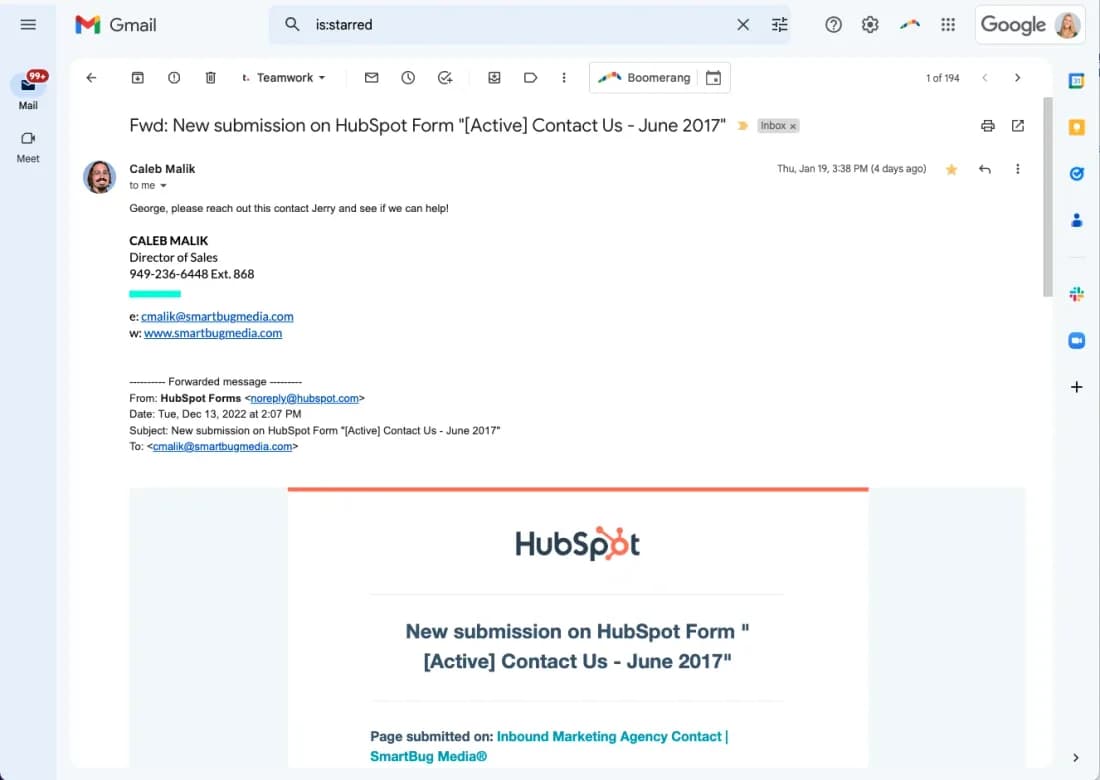
Credentials




What Our Clients Say
“Onboarding was a working system, not a pile of unused features. Admin and training stayed with the same people.”

Claire FontaineRevOps, growing company
“They sat in the portal with us. The notes we have now are enough to change things without a ticket every time.”
Pete AnandHubSpot admin, in-house
Sync and clean data.
As you grow, data gets messier. Without a way to clean and read it, you miss the picture sitting in the portal.
We help you curate the record so the next campaign and the next forecast are looking at the same person.
Automate and optimize data quality.
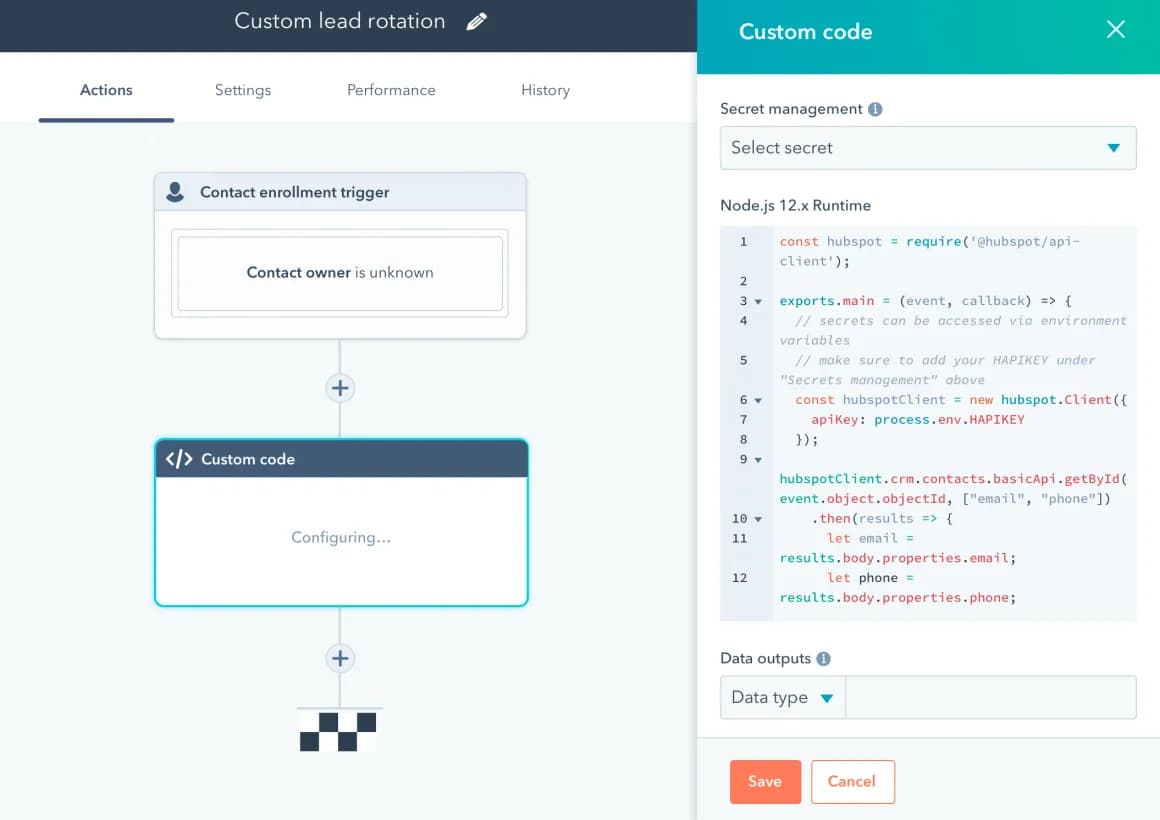
Lead rotation, renewals and territory rules should run without a heroic spreadsheet. Programmable automation and permissions keep the work moving.
When a workflow should ping Slack or open a task in another tool, we map that before we switch it on.
Analyze and draft reports.
Reports that operations, marketing and sales will open. When a warehouse such as Snowflake is in play, we join it with care.
Custom visualisation belongs on a dashboard with a named owner, not a file that dies in a folder.
HubSpot's Data Hub Standout Features:
Data Sync
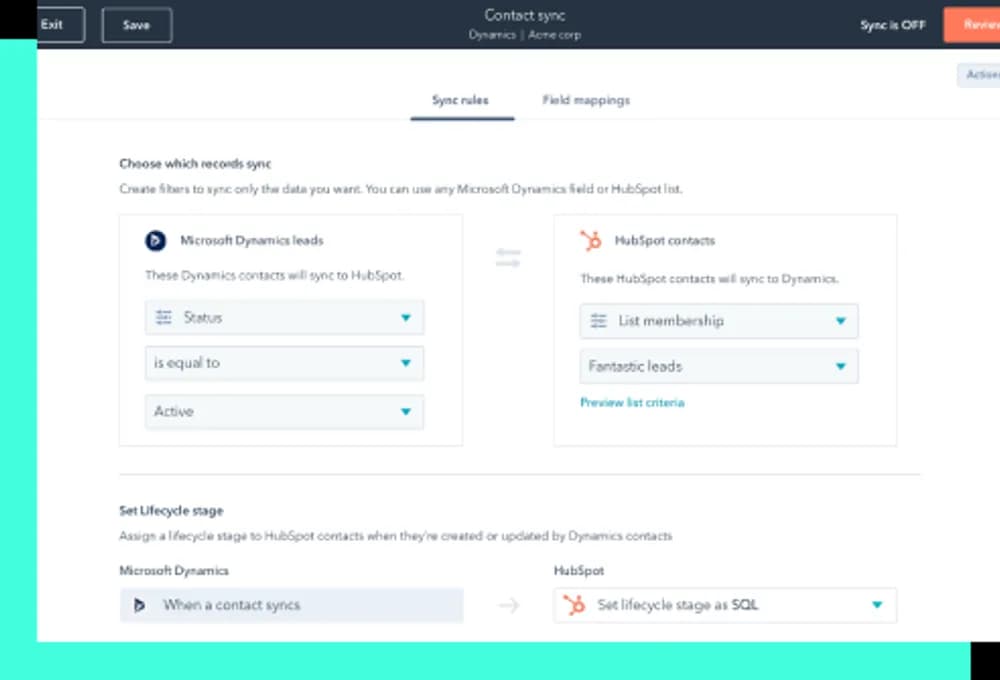
No-code sync with filters, field mapping and a clear direction of travel between apps.

Programmable Automation
Lead rotation, renewals and the other processes that should not wait on a person copying a row.
Data Quality Automation
Fix names, dates and the other fields that rot, before they hit a report.
Workflow Extensions
A workflow that can trigger work in Slack, Zoom, Asana or the tool your team already opens.

Team Management & Permissions
Access by team, role and availability, written down so a new hire is not given every key.

Datasets
Named datasets so people can pull a slice of the record without exporting the whole portal.
Frequently Asked Questions
What is different about Data Hub?
It is the operations layer on the same CRM: sync, quality, automation and reports that marketing, sales and service already share.
We already have a CRM. Can you join it to Data Hub?
Yes. Native joins exist for several CRMs. Complex moves are a scoped implementation.
How does Data Hub connect to the other hubs?
The same contact and company. Campaigns, deals and tickets should not disagree about a field.
Can we customise the account?
Yes. Custom objects, duplicate rules and the views operations will live in. We size that to the portal you have.
Which apps can data sync talk to?
HubSpot lists the catalogue. Common examples include other CRMs, help desks and email tools. If yours is not there, we talk about a custom join.
Explore the Impact of Nexavia + Data Hub
3 Business Problems Solved by HubSpot’s Data Hub
The operational problems Data Hub is for: duplicates, disagreeing fields, and reports nobody trusts.
Product Update: What’s New with HubSpot
What changed in the hub, in language your admin can act on.
The Ultimate Guide to Data Hub
A first-season plan for sync, quality and the warehouse if you have one.
Data Quality: A Comprehensive Overview [+Examples]
How we treat data quality as a habit, with examples from portals we have handed over.