Simplify Sales Management
Nexavia sets Sales Hub around pipeline, calling, sequences and the forecasts managers will coach from. Prospecting to close sits on one record.
Talk with us about the stage that stalls, or about a hub sales has not opened yet.

Credentials




Manage your pipeline.
Closing is easier when communication, the deal and the next step live in one place. We configure pipelines, sequences and tests so reps can move a deal without a side tracker.
You get a view of the pipeline you can decide from today, and a forecast that is not a guess in a slide.
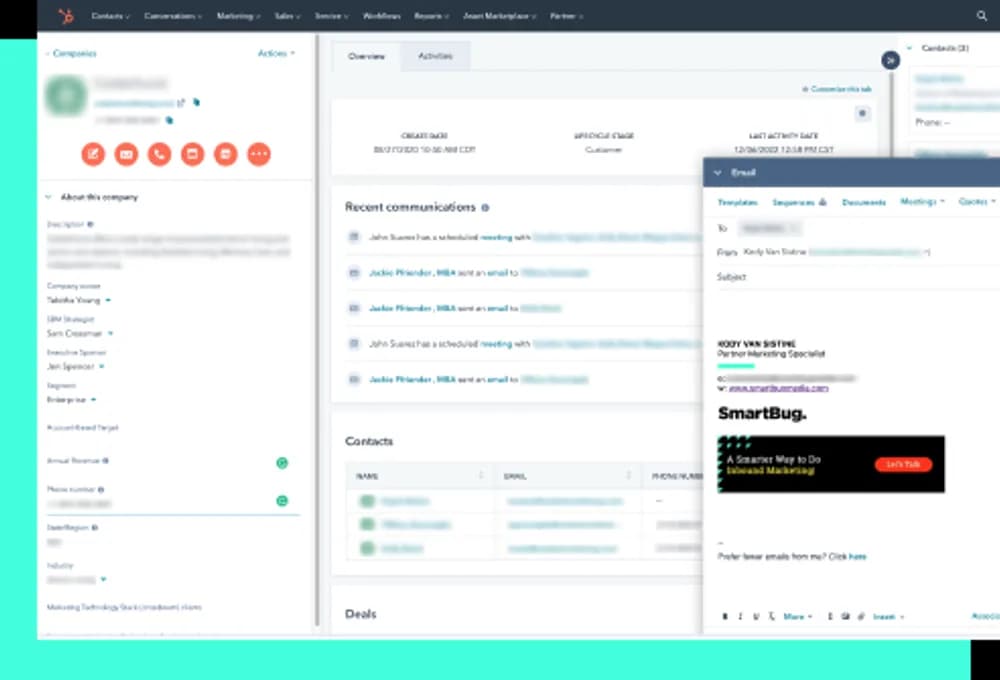
Track your activity.
Calls, meetings, win ratio, pipeline size and stage are read together. We help you see what is working, then change the habit rather than adding another report.
Renewals, expansion and the next quarter are read from the same sales data, not a separate spreadsheet.
Forecast your revenue.
Accurate forecasts come from sitting in the day-to-day: deal size, stage and what actually moved last month.
When finance lives in SAP or NetSuite, we join those numbers to HubSpot so the forecast and the ledger are not two stories.
HubSpot's Sales Hub Standout Features

Email & Call Tracking
Emails and calls logged on the deal. Templates and follow-ups so the next touch is not invented each time.

Deal Management
A library of sales content, owners on deals, and a board the team will actually keep up to date.

Document Management & Tracking
See whether a quote or a PDF was opened. Branded documents, sent from the record.

Live Chat
Conversations on the site, routed to the right rep, logged next to email and calls.

Scheduler
Meetings booked from the record so phone tag and a side calendar are not the process.

Analytics & Reporting
Activity, friction and revenue in views managers will open, not a slide made once a quarter.

Zoom/Gong Integrations
Notes and recordings from virtual meetings, joined to the deal so coaching has something to point at.

ZoomInfo Integrations
Company and contact detail pulled in so reps spend time talking, not typing the same card twice.

Gmail, Outlook, & Slack Integrations
Follow-up from the inboxes and channels you already live in, under one roof.
HubSpot Sales Hub vs. Salesforce: Find Your Perfect CRM Fit
Choosing between Sales Hub and another CRM is a process question, not a brand argument. We help you compare how you actually sell: objects, reporting, and who will click it every day.
If you already have Salesforce, we can talk about a join, a move, or leaving both in place with a clear source of truth.
What Our Clients Say
“Pipeline hygiene is a habit now. Managers can coach from a view the team actually fills in.”

Ivy LaurentSales manager
“The hand-off from marketing is something reps can point at. That was the gap.”

Ravi MenonEnablement lead
Frequently Asked Questions
How do we put AI to work inside Sales Hub?
Use it on jobs reps already do: drafting email, conversation notes, and a forecast that is not typed by hand. We switch on what they will use.
Can you join third-party tools to Sales Hub?
Yes. HubSpot's marketplace covers a long list. We also build custom joins, including finance systems, when the object you care about is not there.
What if the join is not in the marketplace?
HubSpot has an open API. We map objects, owners and the direction of sync, then test before anything is live. Marketing and sales should describe the same person when we are done.
How do you customise a Sales Hub account?
Custom objects, sequences, pipelines and dashboards named for how you already talk about the work. If you want that off your plate, we scope it.
How is Sales Hub different from a stand-alone sales tool?
It sits on the CRM, so activity, deals and the person are one picture. Other tools stay where they earn their keep.
How does Sales Hub connect to the other hubs?
Shared contacts, companies and deals. Campaigns, tickets and pages should describe the same journey; that is the point of one portal.
How is our data stored?
In HubSpot, with access by team and person. Deals, tickets and activity sit on the same record so nobody is hunting across inboxes.
Case Studies
Browse All Case StudiesA regional organisation
One HubSpot picture for hubspot's sales hub
We mapped the current process, joined the objects people actually use, and trained the team that clicks the buttons. The work is theirs to keep.
See Case Study