HubSpot's Service Hub
Nexavia sets Service Hub around tickets, the customer portal, knowledge and the health scores success teams live in.
Talk with us about the queue that is overflowing, or about a hub service has not opened yet.
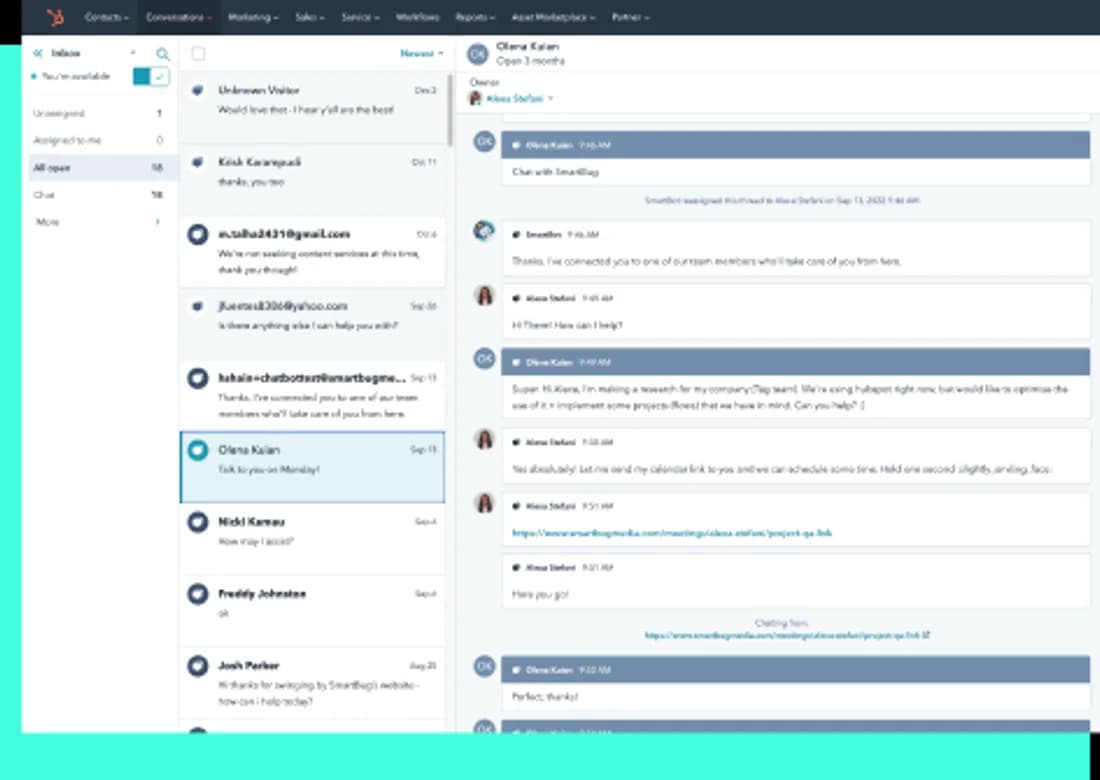
Deepen your customer relationships with HubSpot's Service Hub and fully integrated customer relationship management (CRM) platform.
Service Hub sits on the same CRM as marketing and sales, so a conversation is not a side thread. Live chat, messaging and tickets share the person.
We help you keep the conversation going without a pile of unowned inboxes.
Credentials




Stay connected with your customers.
A customer portal and a shared picture of every interaction. Live chat and messaging are configured so support can see what marketing and sales already know.
The point is a relationship your desk can pick up, not a new silo.
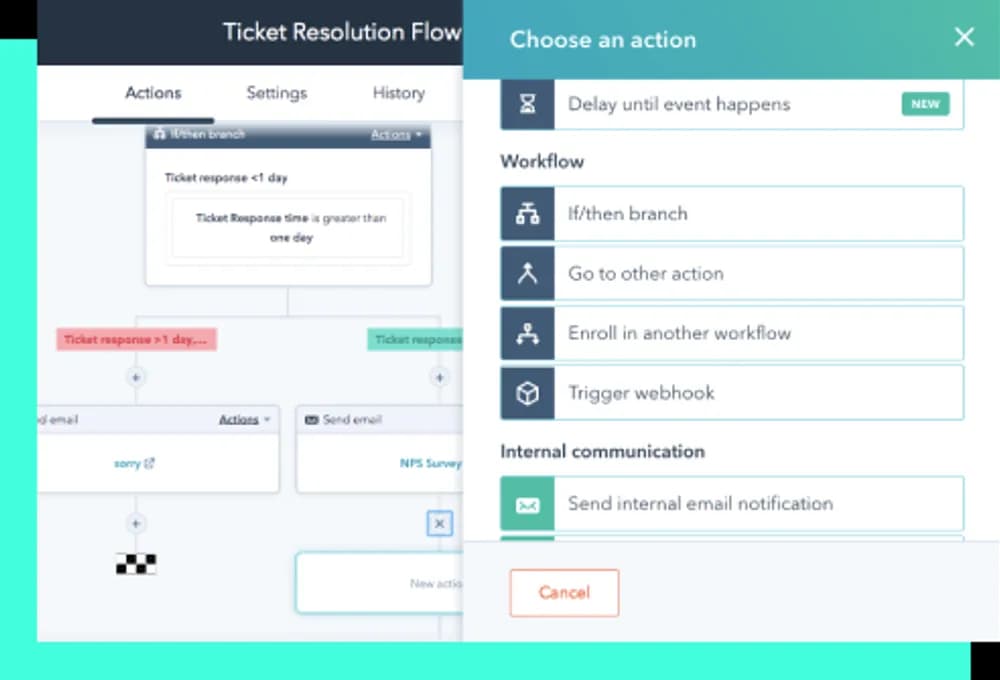
Optimize your team's efficiencies.
A shared inbox and conversation intelligence cut the time between a question and an owner. Help desk and tickets route work to the right people.
We build the queue around how you already triage, then train the people who live in it.
Boost customer satisfaction as you scale.
Surveys, a knowledge base and the guides your desk actually uses. You see where people get stuck, then change the article or the workflow.
As you grow, the same portal should still be searchable. We write that down.
HubSpot's Service Hub Standout Features:

Customer Portal
Ticket threads your staff and your customers can both see, so resolution is not buried in a private inbox.

Fully Integrated CRM
Every engagement on one record, with access for the people who need to answer now.

Shared Inbox
Email, chat and messaging in one place, with a clear owner for the next reply.

Knowledge Base
A searchable library of articles and clips so people can help themselves before they open a ticket.

Help Desk Automation
Tickets created and routed without a human copying the request, and a path to a person when the bot is stuck.

Custom Feedback
NPS, CSAT and your own questions, then a view of what keeps coming back.

Reporting
Custom reports on the work the desk actually does, not a default HubSpot sample.

Live Chat
Chat on the site, logged on the same person as email and tickets.

Omni-Channel Messaging
Meet people on the channel they already use, without a new silo for each one.
What Our Clients Say
“They sat in the portal with us. The notes we have now are enough to change things without a ticket every time.”

Pete AnandHubSpot admin, in-house
“Onboarding was a working system, not a pile of unused features. Admin and training stayed with the same people.”

Claire FontaineRevOps, growing company
Frequently Asked Questions
How do we put AI to work inside Service Hub?
Drafting replies, summarising a thread, and a chatbot that can hand off to a human with the record attached. We switch on what the desk will use.
Can you join third-party tools to Service Hub?
Yes. Marketplace joins for the tools you already run, and custom work when the object is not there.
How do you customise Sales Hub and Service Hub together?
Shared objects, a dashboard both teams will open, and tickets that know the deal. The person is not copied between a sales tool and a service tool.
How does Service Hub connect to the other hubs?
The same contact, company and deal. Campaigns and tickets should describe one journey.
We already have a CRM. Can you join it to Service Hub?
Yes. Native joins exist for several CRMs. Complex moves and custom objects are a scoped implementation, not a surprise at go-live.
See the Impact of Nexavia + Service Hub
The value of Service Hub shows up in the queue: fewer lost conversations, a portal customers will use, and reports the desk will open.
We do not publish another company's percentages as if they were ours. Ask us for a scoped picture of your portal.